
3D Guides to Install Your Door Closer
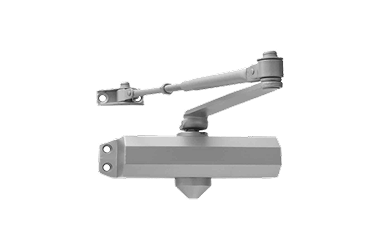
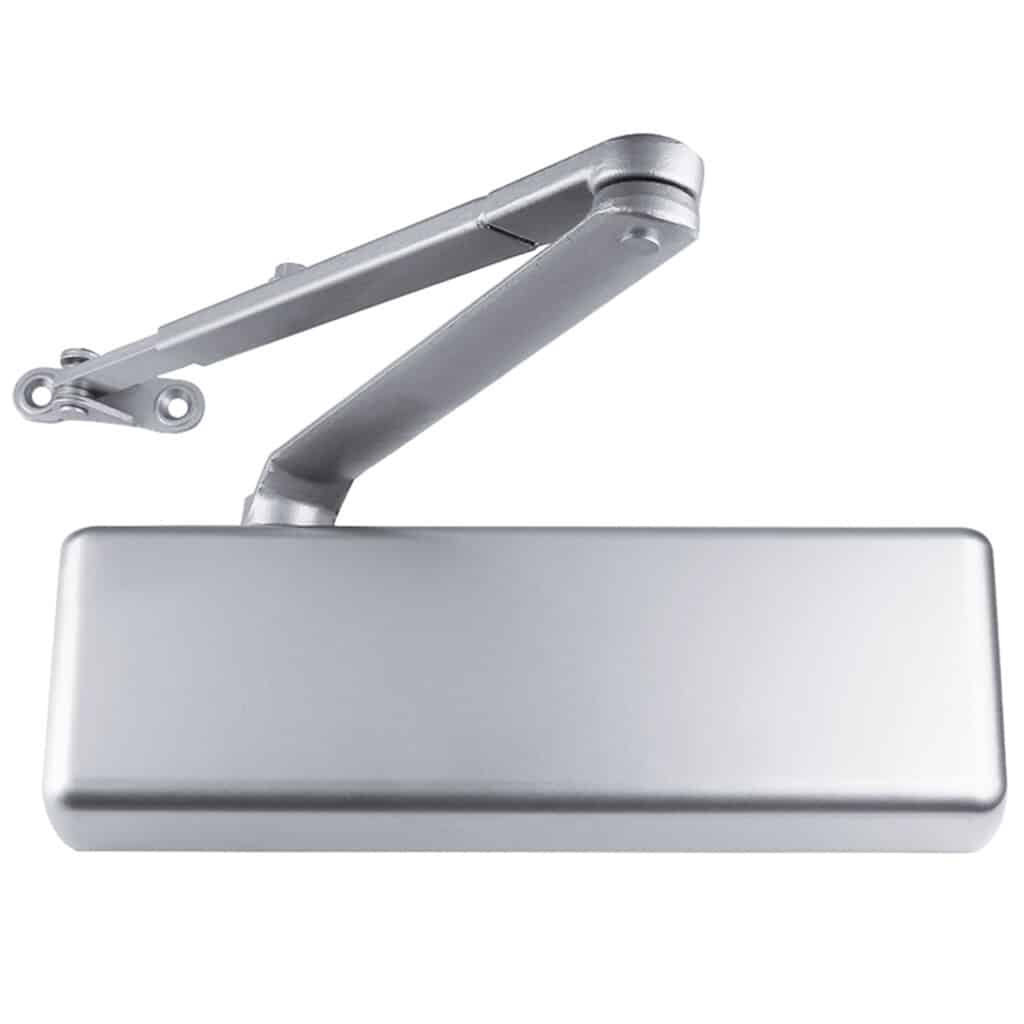
Click the door closer model you want to install
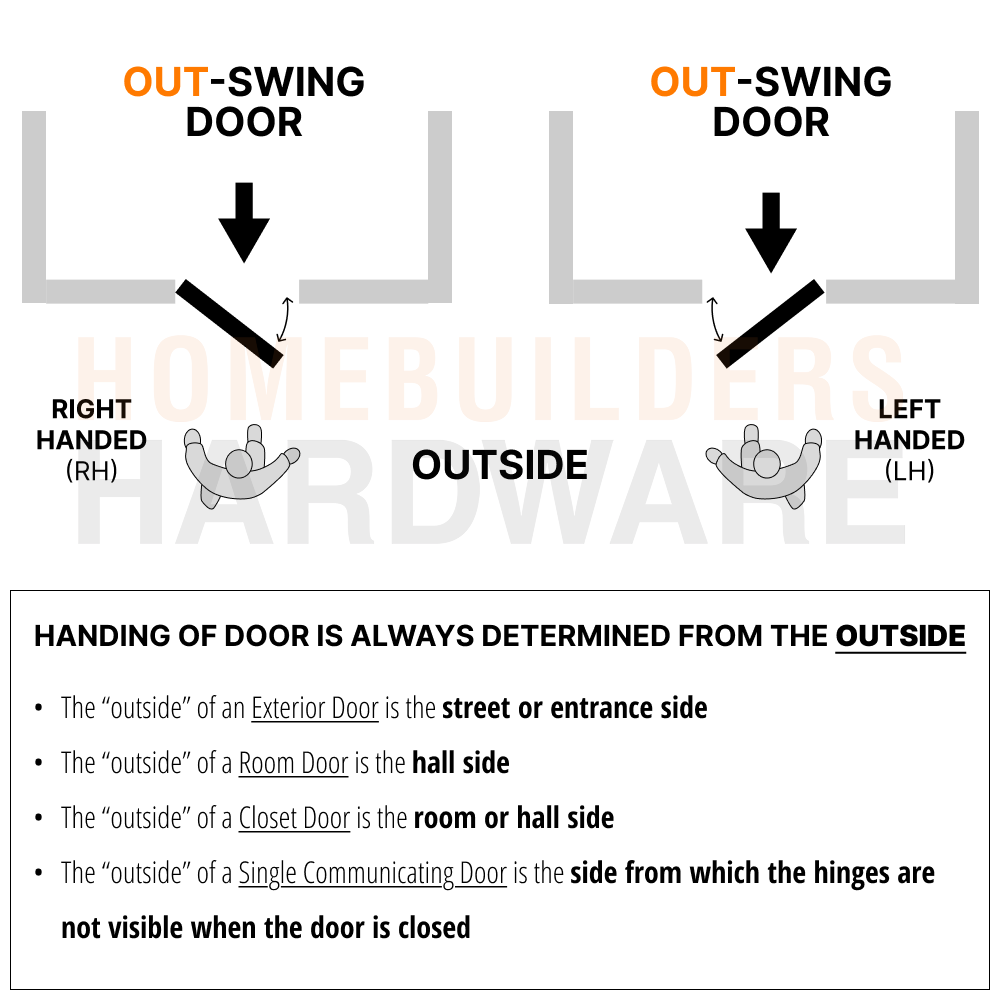
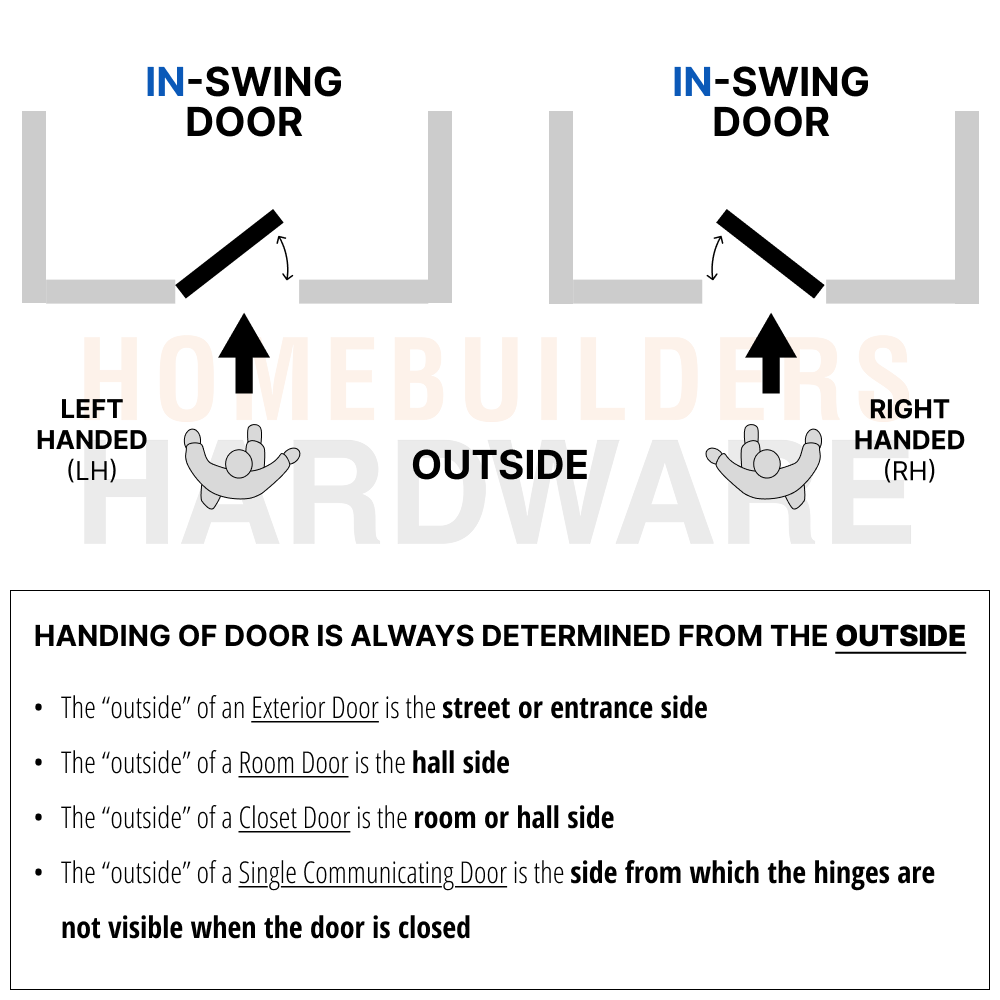
What Handing Does My Door HAve?
STEP 1: Stand on the outside of your door.Â
STEP 2: Then, compare your door’s setup to the four door setups seen here to discover which “handing” your door has.
You’re now ready to follow the step-by-step video guide for your specific door closer model.
Which Installation Method Should I Use?
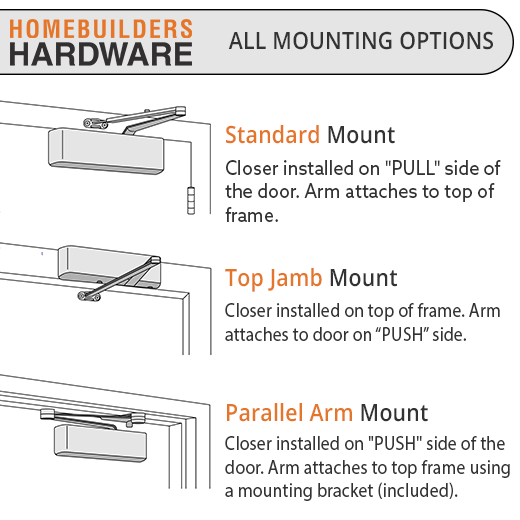
The three ways to install a door closer from Homebuilders Hardware (most models)
- Standard Installation will limit the degree the door can open and is installed on the PULL side of the door.Â
- Top Jamb Installation is used when the top rail of the door is narrow and installed on the PUSH side.
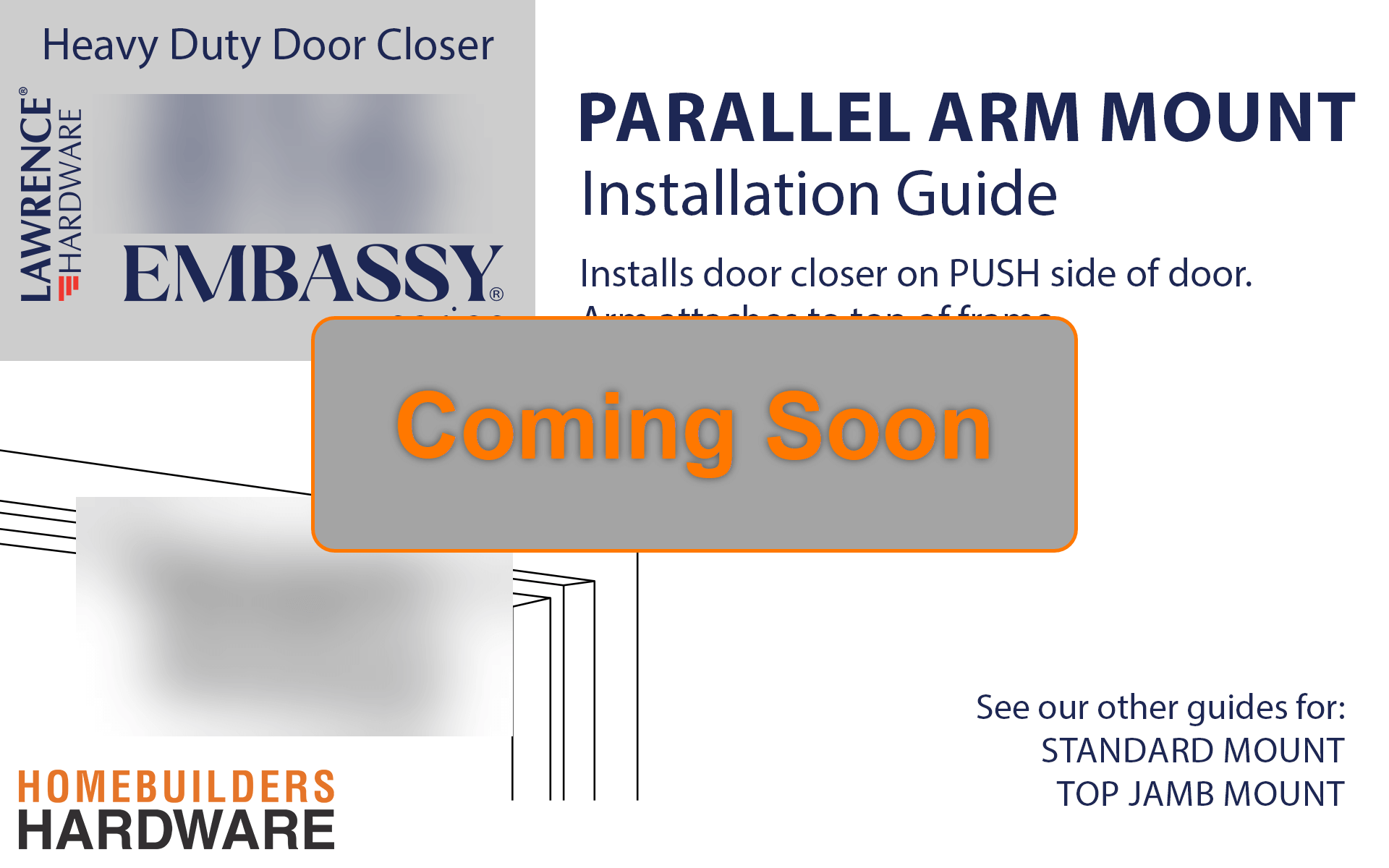
- Parallel Arm Installation allows for more control at the opening and best hides the forearm and is installed on the PUSH side of the door.
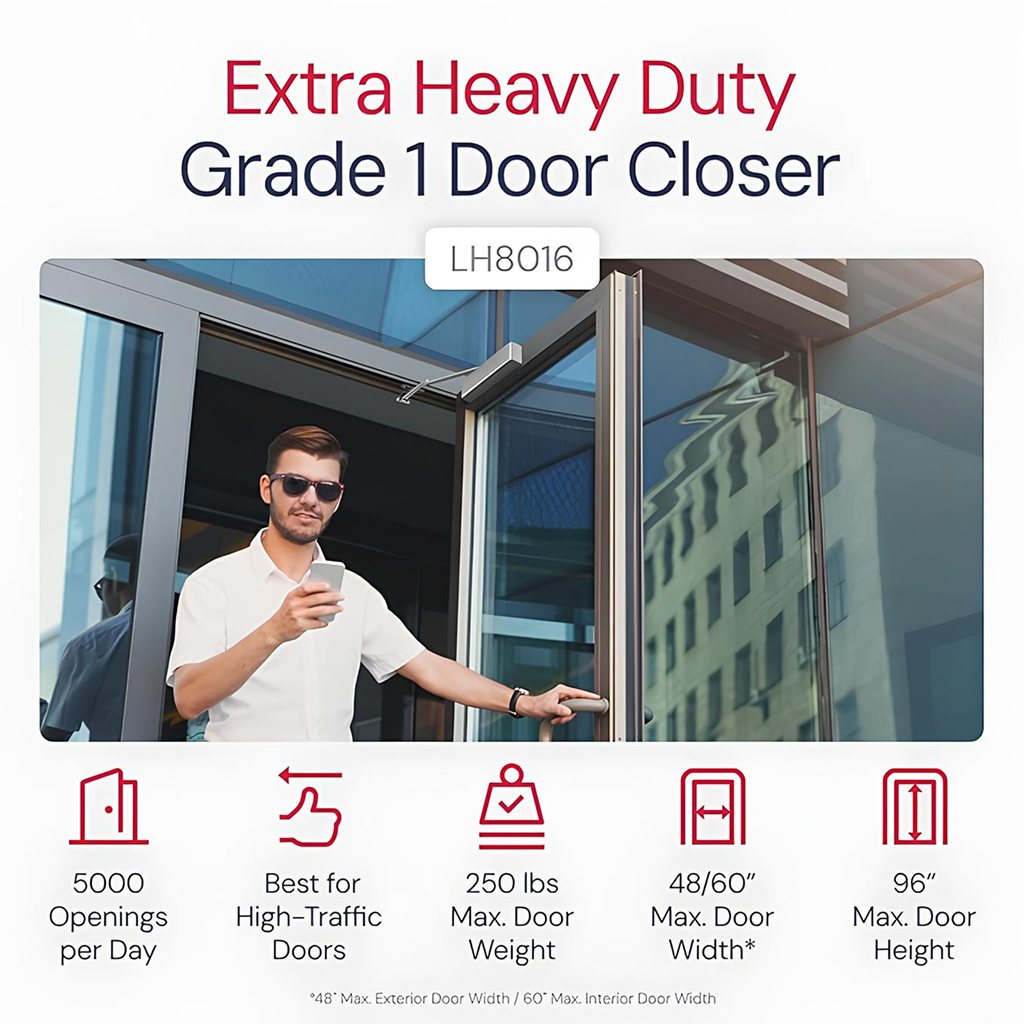
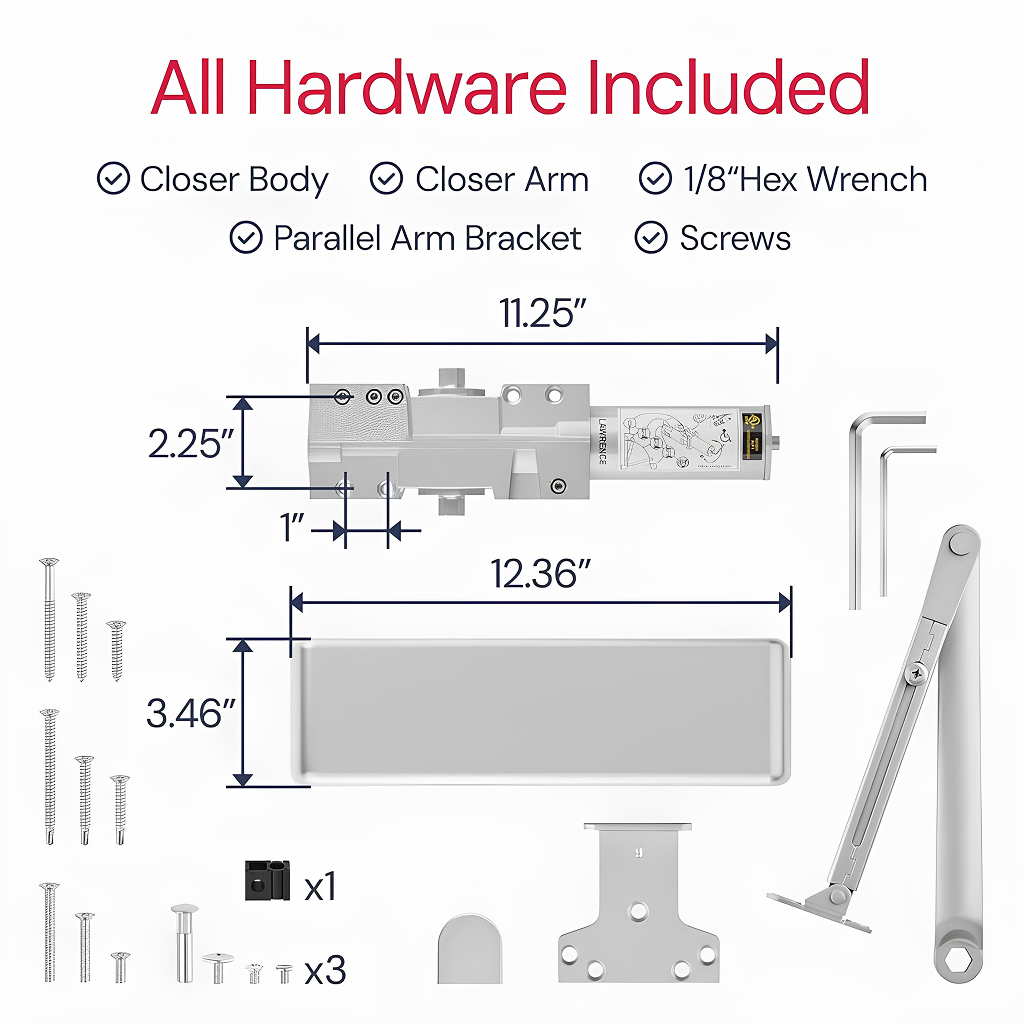
8016 Extra Heavy Duty Door Closer
3D Video Guides
Watch a 3D video of the mounting method you want to use for the 8016.
TIP: What “handing” does my door have? View handing diagrams above
TIP: What mounting method should I use? View mounting methods above
3D Interactive Guides
Download a free app with step-by-step instructions.
Zoom in. Change angles. Fully interactive 3D guide.
Scan below for the 8016.
STEP 1:Â Download the BILT app (scan QR code)
STEP 2:Â Open the app. Scan the QR code again to find this closer model
More About the 8016
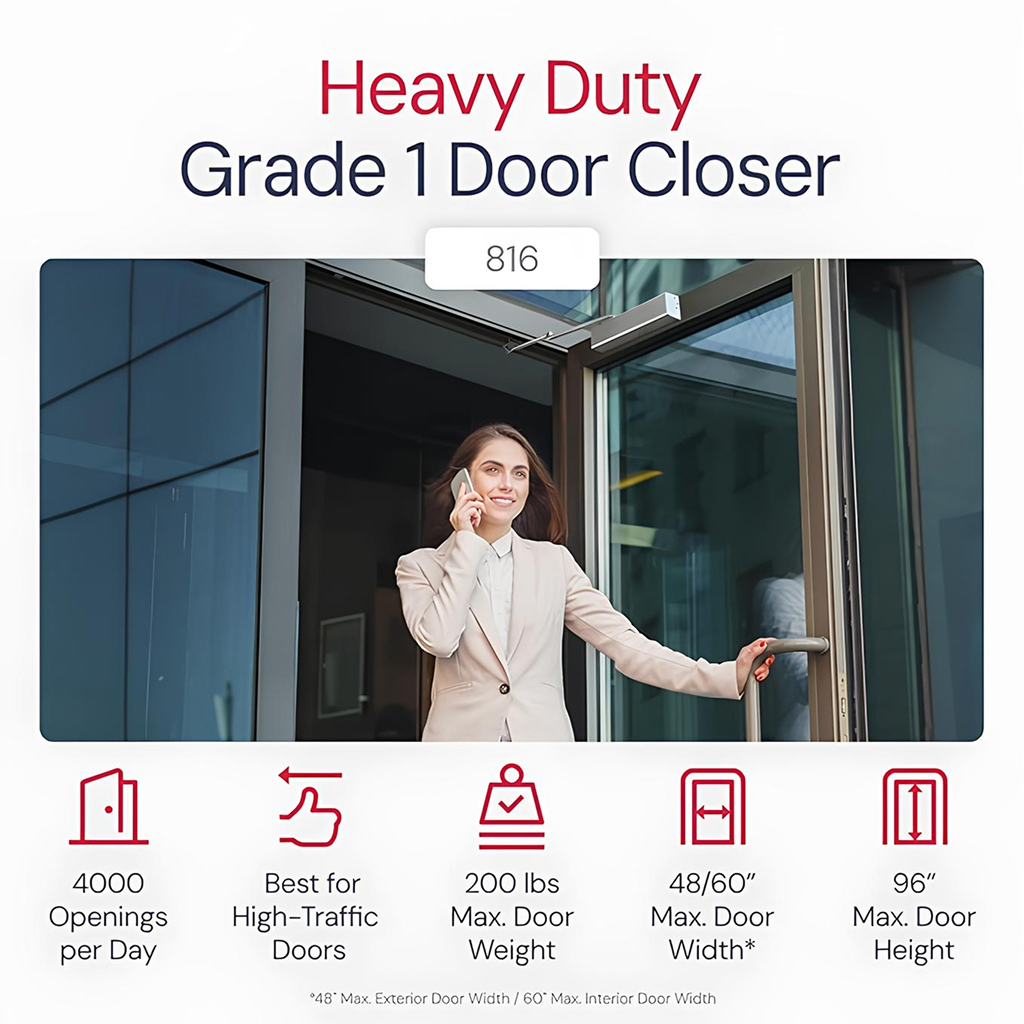
816 Heavy Duty Door Closer
3D Video Guides
Watch a 3D video of the mounting method you want to use for the 816.
TIP: What “handing” does my door have? View handing diagrams above
TIP: What mounting method should I use? View mounting methods above
3D Interactive Guides
Download a free app with step-by-step instructions.
Zoom in. Change angles. Fully interactive 3D guide.
Scan below for the 816.
STEP 1:Â Download the BILT app (scan QR code)
STEP 2:Â Open the app. Scan the QR code again to find this closer model
More About the 816
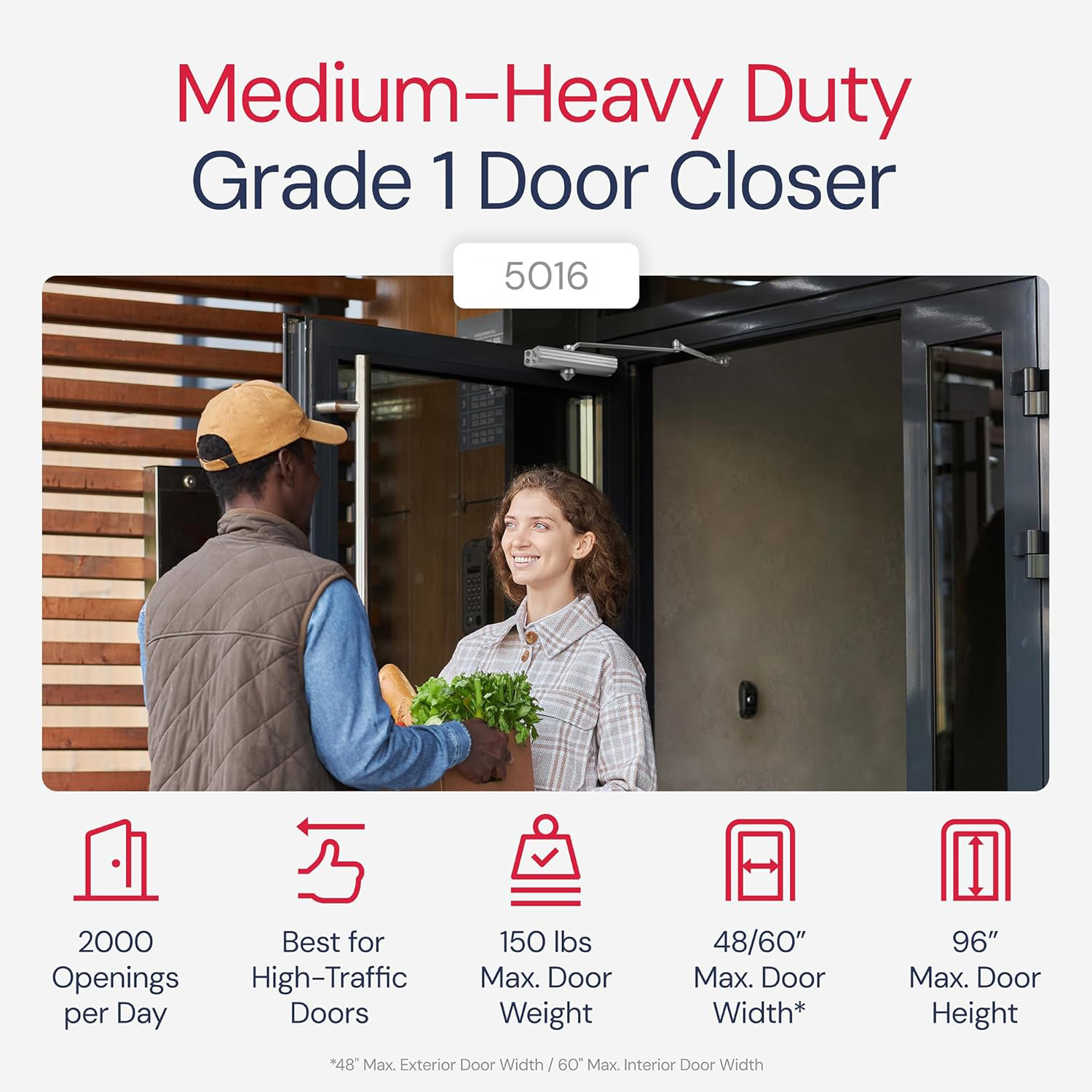
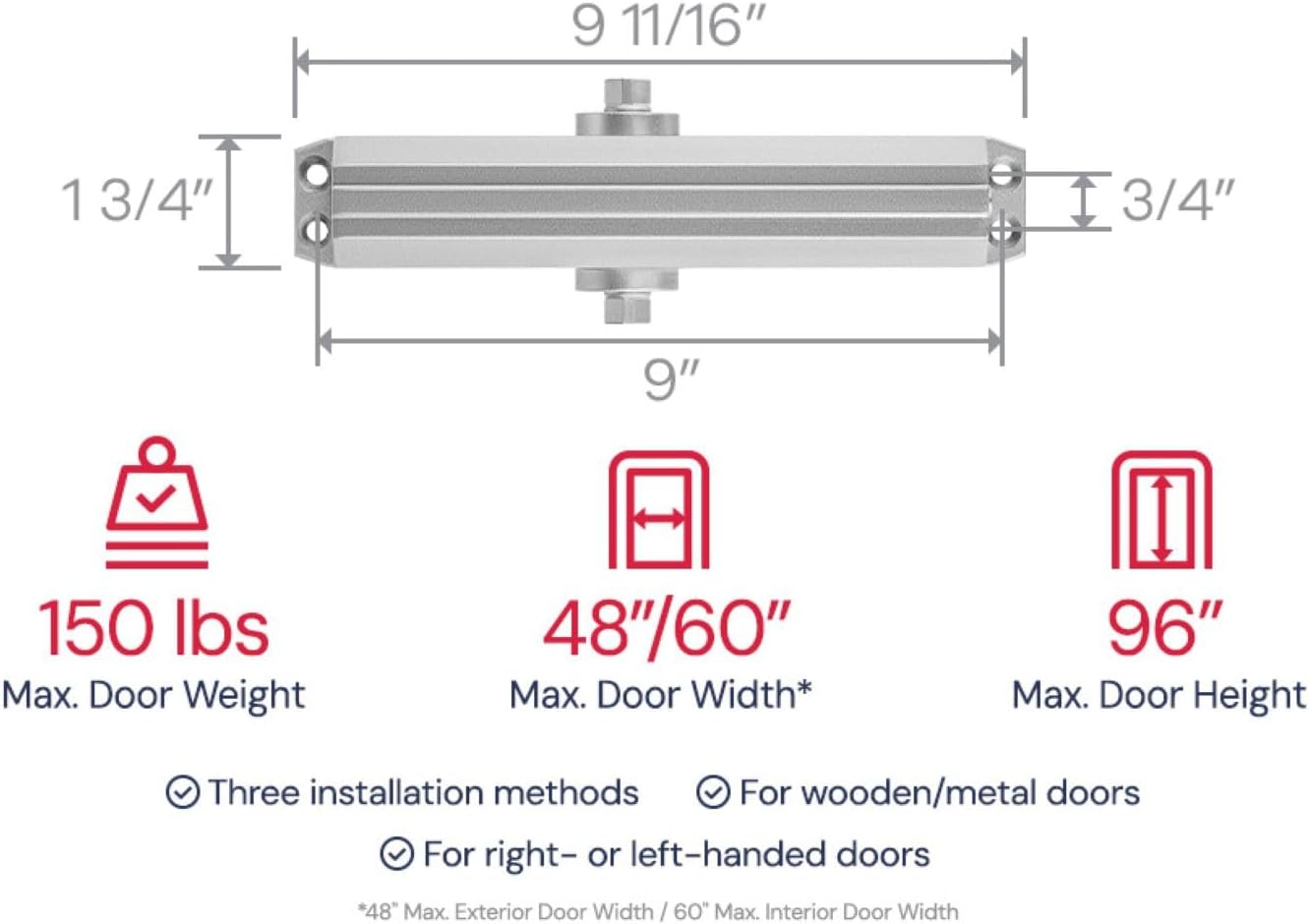
5016 Medium/Heavy Duty Door Closer
3D Video Guides
Watch a 3D video of the mounting method you want to use for the 5016.
TIP: What “handing” does my door have? View handing diagrams above
TIP: What mounting method should I use? View mounting methods above


3D Interactive Guides
Download a free app with step-by-step instructions.
Zoom in. Change angles. Fully interactive 3D guide.
Scan below for the 5016.
STEP 1:Â Download the BILT app (scan QR code)
STEP 2:Â Open the app. Scan the QR code again to find this closer model
More About the 5016
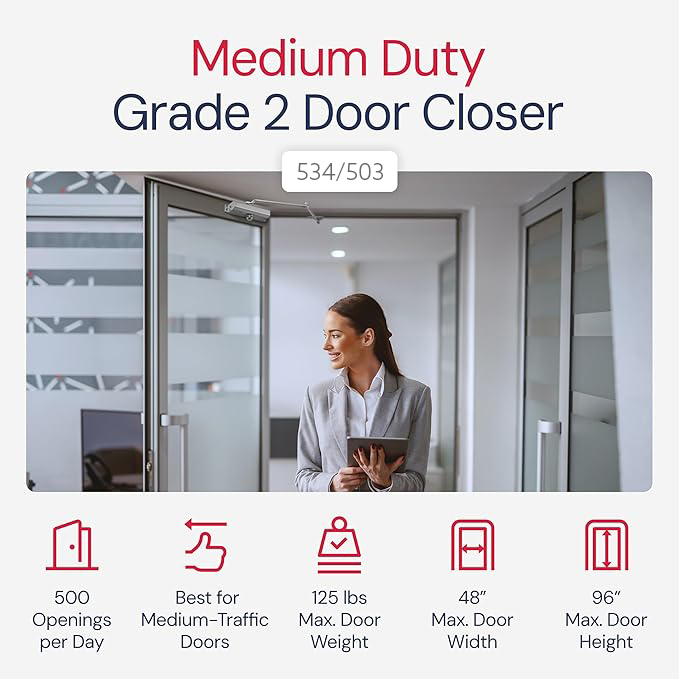
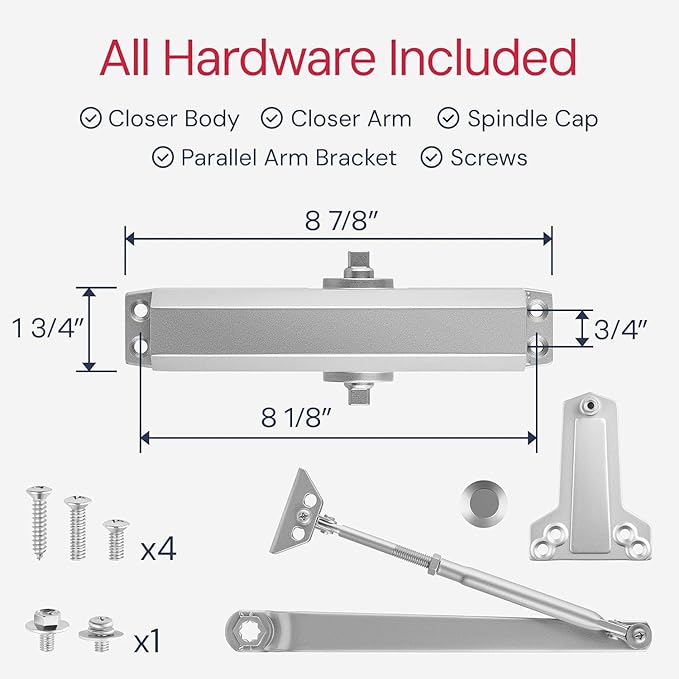
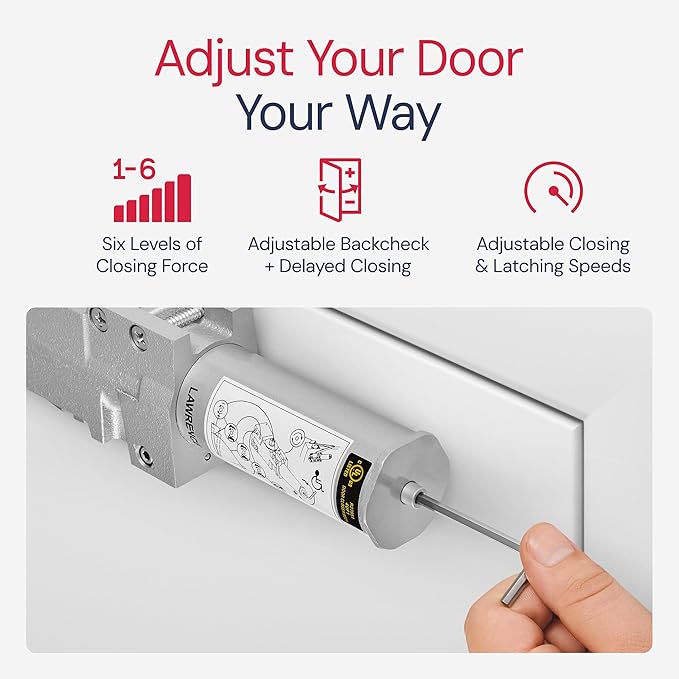
503/534 Medium Duty Door Closer
3D Video Guides
Watch a 3D video of the mounting method you want to use for the 503/534
TIP: What “handing” does my door have? View handing diagrams above
TIP: What mounting method should I use? View mounting methods above


3D Interactive Guides
Download a free app with step-by-step instructions.
Zoom in. Change angles. Fully interactive 3D guide.
Scan below for the 503/534
STEP 1: Download the BILT app (scan QR code)
STEP 2: Open the app. Scan the QR code again to find this closer model
More About the 503/534
303 Standard Duty Door Closer
3D Video Guides
Watch a 3D video of the mounting method you want to use for the 303.
TIP: What “handing” does my door have? View handing diagrams above
TIP: What mounting method should I use? View mounting methods above


3D Interactive Guides
Download a free app with step-by-step instructions.
Zoom in. Change angles. Fully interactive 3D guide.
Scan below for the 303.
STEP 1: Download the BILT app (scan QR code)
STEP 2: Open the app. Scan the QR code again to find this closer model